

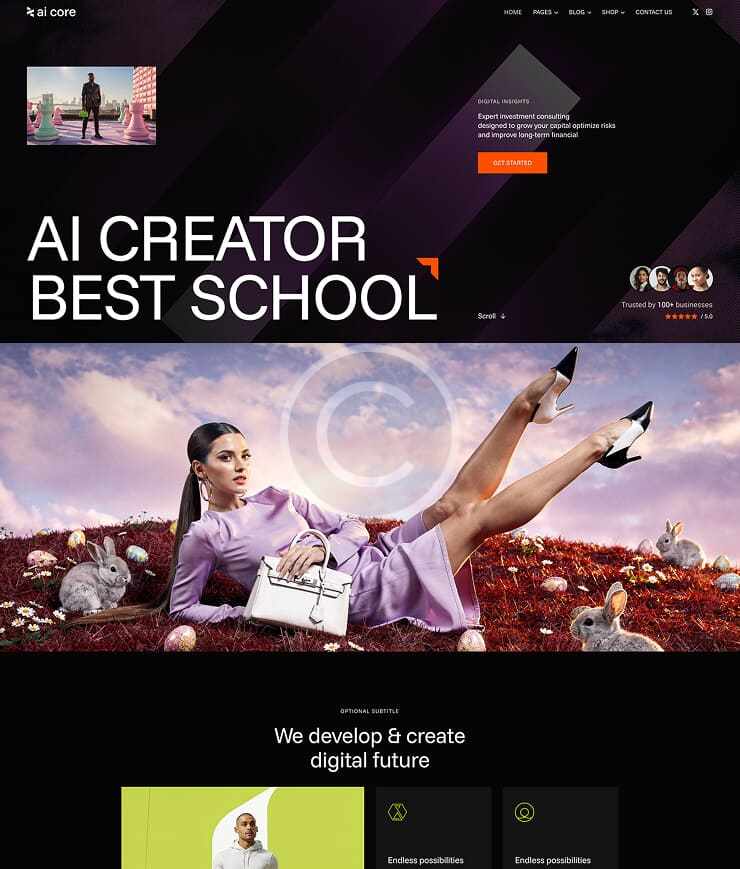




Next-Level AI
Our Services
Smart bots
AI Chatbots & Automation
01
Automated support
Insight engine
Data Analytics & Forecasting
02
Predictive analysis
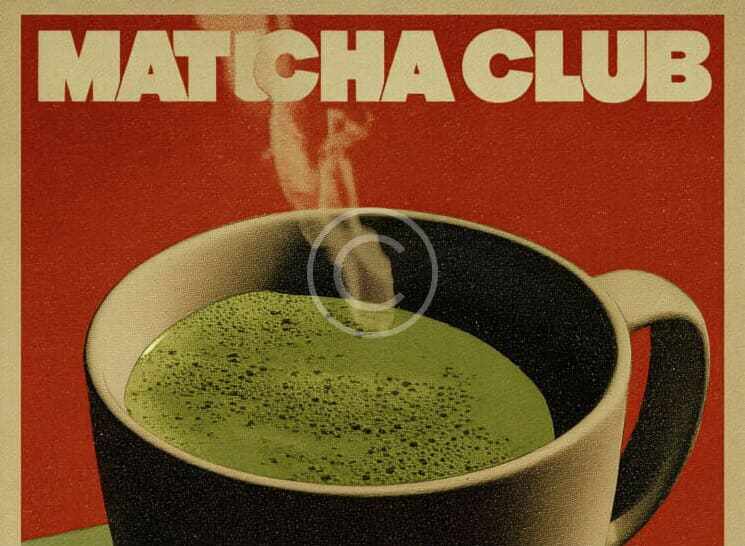
Smart campaigns
AI Marketing & Content
03
Content AI

Let`s talk?
AI Core leads a shift in how images are made. Our AI tools turn ideas into stunning, unique art for brands and creators worldwide. Enjoy smooth, fast, smart, and intuitive design with us every time.
0+
Projects completed
0%
Satisfied customers
0h
Hours saved per day
0k
Cost saved per month
Shaping the ai era
We shape & inspire visual change
Infinite creative solutions
AI Core turns every thought into art, using advanced tools to spark, streamline, and enhance design for all makers and firms, empowering creativity, boosting productivity, and inspiring innovation everywhere globally today.
Who we are
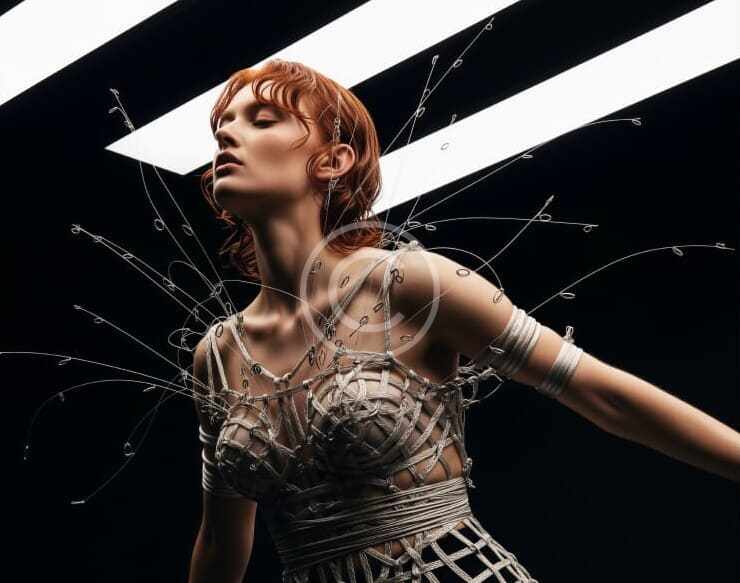

Vision becomes art
Who we are
AI Core leads the way in AI-driven visual tech, reshaping how creators and teams bring ideas to life. Our goal is to enable anyone to make fresh, striking visuals with fast, smart, and ethical tools.
Emerging in 2021, AI Core was formed by visionary minds keen to change how images are made. Driven by a passion for top-tier AI and real results, we now spark new ways to create for clients worldwide.
Simple pricing plans
Choose your plan
Monthly
Yearly
AI Lead

David Smith
Sales Director
At AI Core, David shapes digital tools that make creative work easier, smarter, and more fun for all users worldwide. He blends art and tech with each innovative project.
Driven by design and led by vision, he builds products that spark new ideas and help people reach their creative goals.
Socials
What AI image tools do you offer?
AI Core delivers advanced AI image generation, custom model training, and API integrations. Our tools help turn text or sketches into stunning visuals. We support various styles, batch processing, and seamless workflows tailored for creators and enterprises alike.
How long does an image project take?
Timelines depend on project type and scope. Most image requests are completed in minutes, while custom model training can take a few weeks. We’ll discuss your needs and provide a clear schedule, ensuring timely delivery every time.
Can I review and adjust my visuals?
At AI Core, your feedback guides us. You’ll preview image drafts and suggest changes at key steps. We keep you involved throughout to make sure your creative vision is fully realized with our AI solutions.
Do you serve specific industries only?
We support a broad range of sectors—design, advertising, e-commerce, and more. Our flexible AI adapts to each client’s field and needs, delivering unique solutions for any creative or business challenge.